
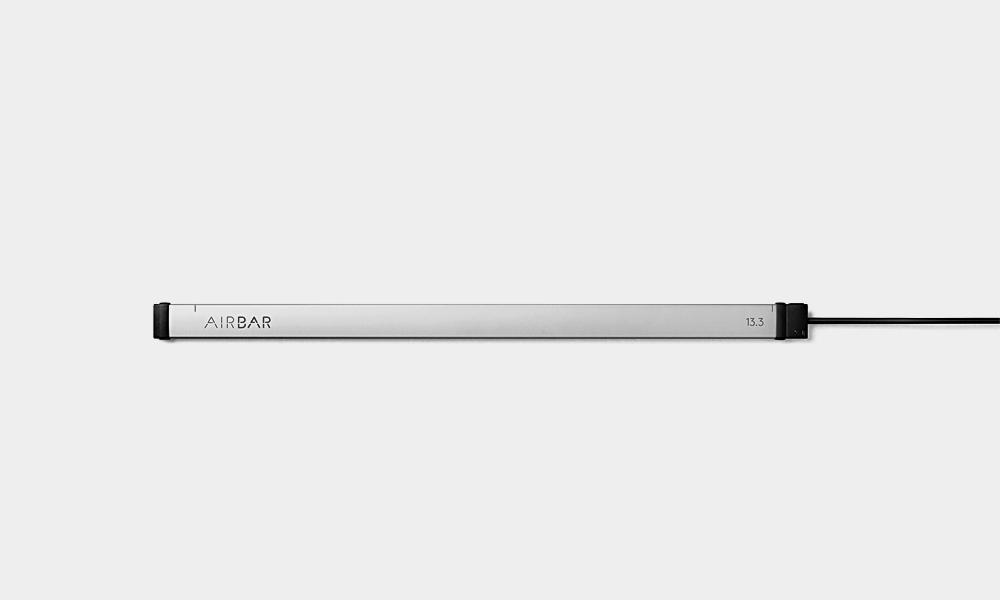
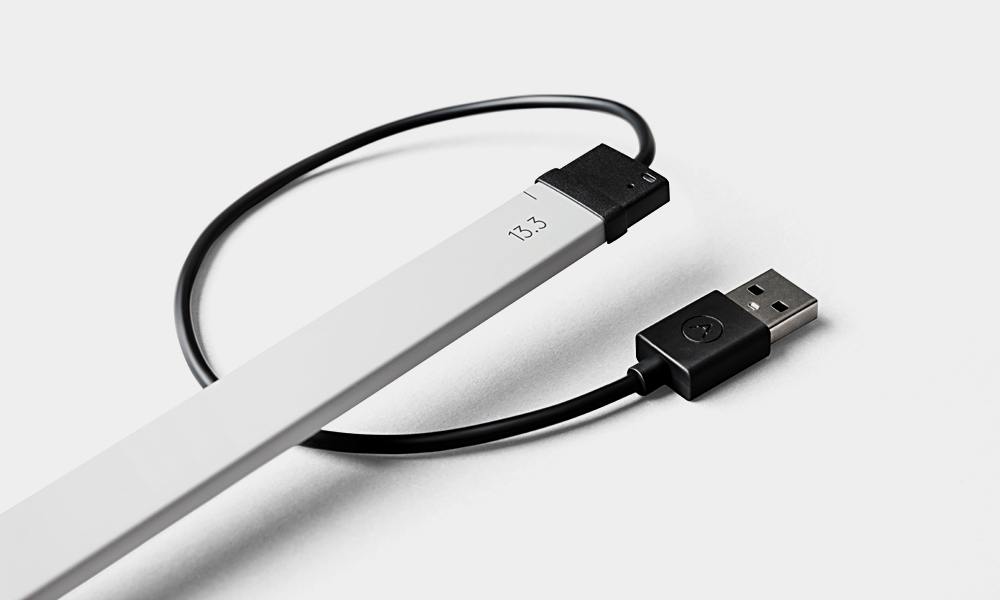
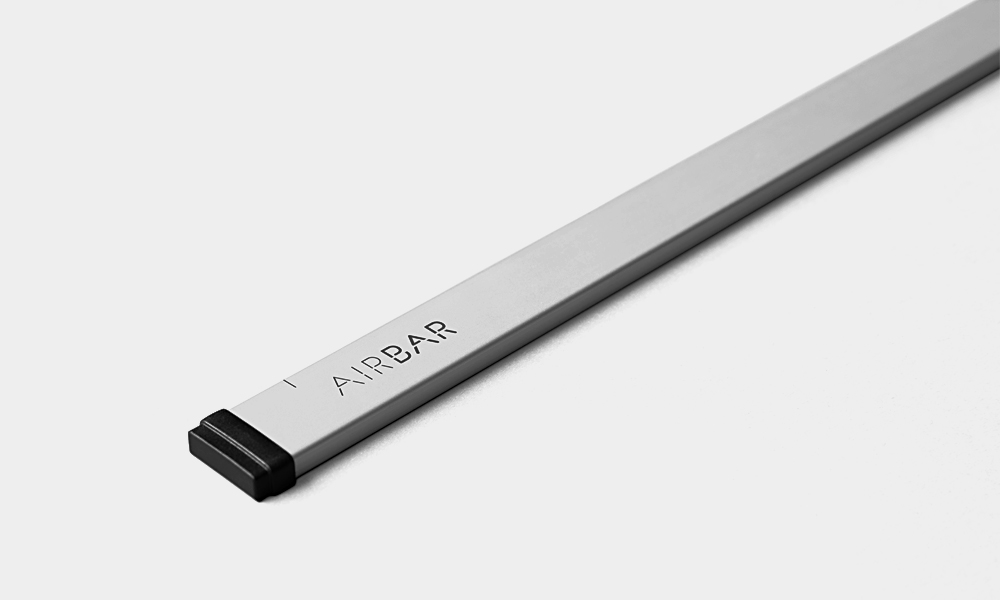
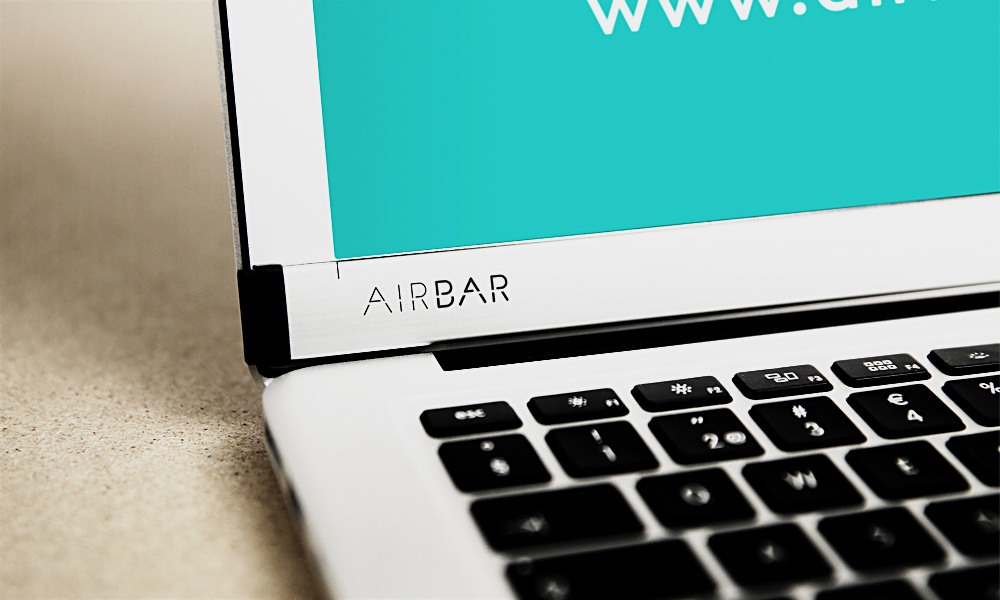
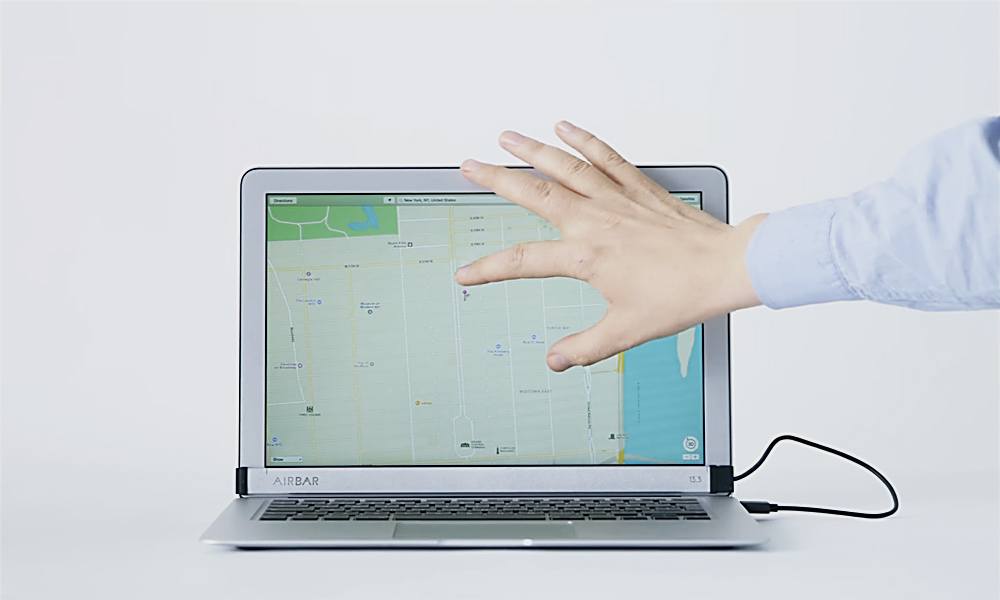
While we can’t say we’ve ever actually touched our MacBook Air screen thinking it was a table, we can tell you with absolutely certainty that we wished the functionality was there. And now it is, because AirBar turns your MacBook Air into a touchscreen. Attach the AirBar to your MacBook Air 13.3” (more sizes are on the way, but this is the only one at the moment) using the magnetic strip and then plug in the USB cable. Once you’re done with the simple setup you’re free to scroll, rotate, select, pinch-zoom, swipe and tap through spreadsheets, PDFs, websites, photo-editing filters, video-editing apps and anything else you use your MacBook Air for. It’s even compatible with gloves or drawing implements like paintbrushes and pencils so drawing and drafting apps are fair game on your laptop, too. With touchscreen operation this easy you might never need to bug Siri or travel with an iPad.
AirBar Turns Your MacBook Air Into a Touchscreen
More Tech

Black Book: 12 Products Our Editors Loved in September 2026
The products our editors have been obsessed with in September 2026.

What to Watch Before Nathan Fielder’s Elizabeth Holmes Documentary
Consider this your homework before You Can See Everything arrives October 16.

Black Book: 12 Products Our Editors Loved in August 2026
The products our editors have been obsessed with in August 2026.
-
Tech
Black Book: 12 Products Our Editors Loved in September 2026
The products our editors have been obsessed with in September 2026.
-
Tech
What to Watch Before Nathan Fielder’s Elizabeth Holmes Documentary
Consider this your homework before You Can See Everything arrives October 16.
-
Tech
Black Book: 12 Products Our Editors Loved in August 2026
The products our editors have been obsessed with in August 2026.